Get paid
Done-for-You Setup
Send the Invoice. Get Paid Online.
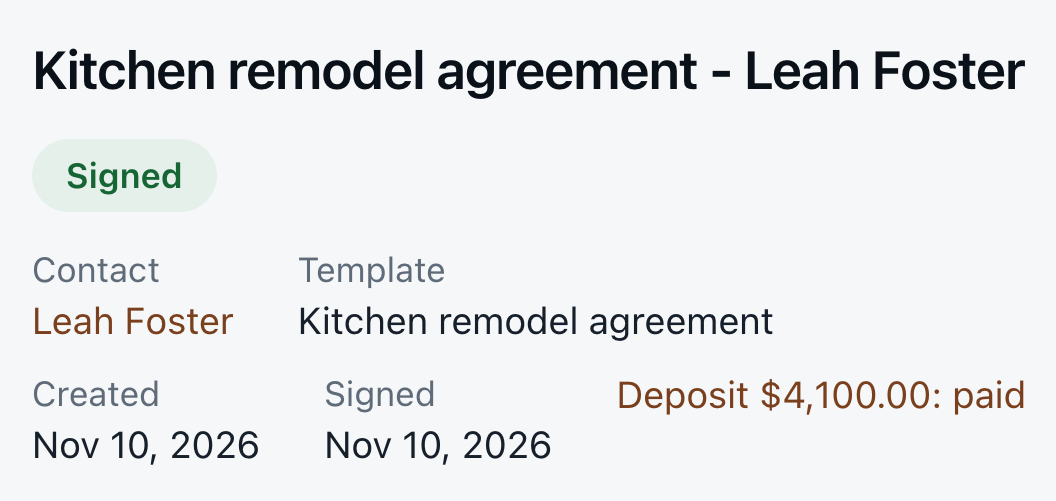
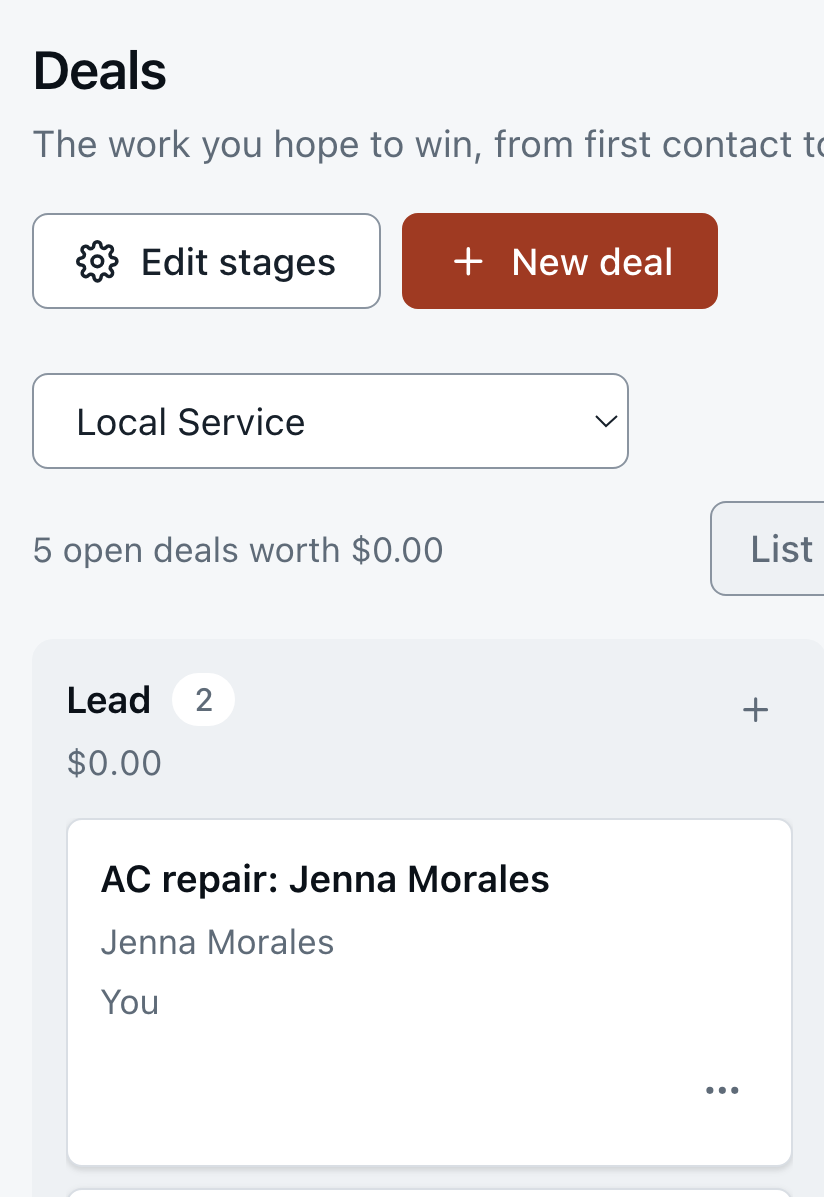
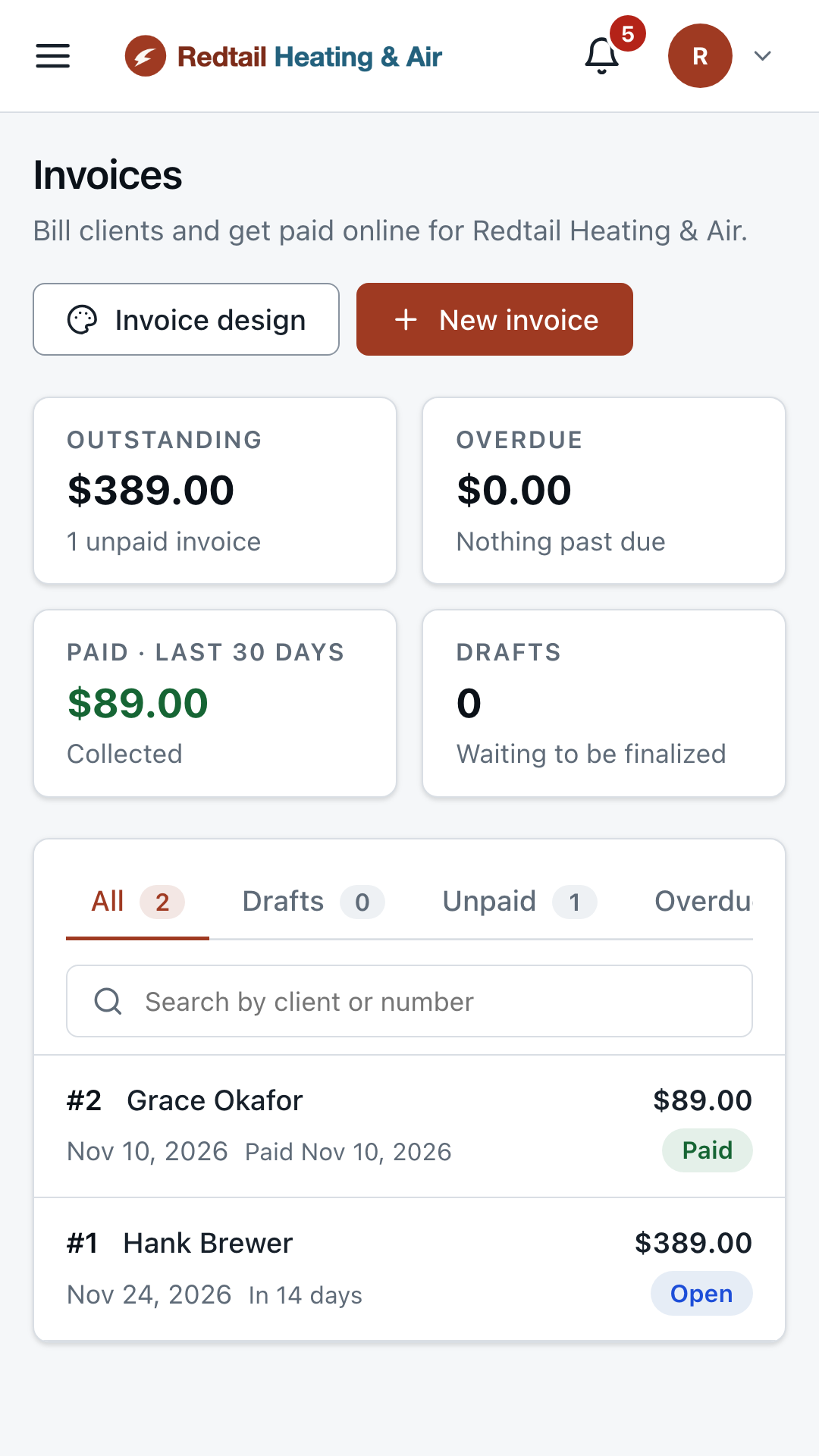
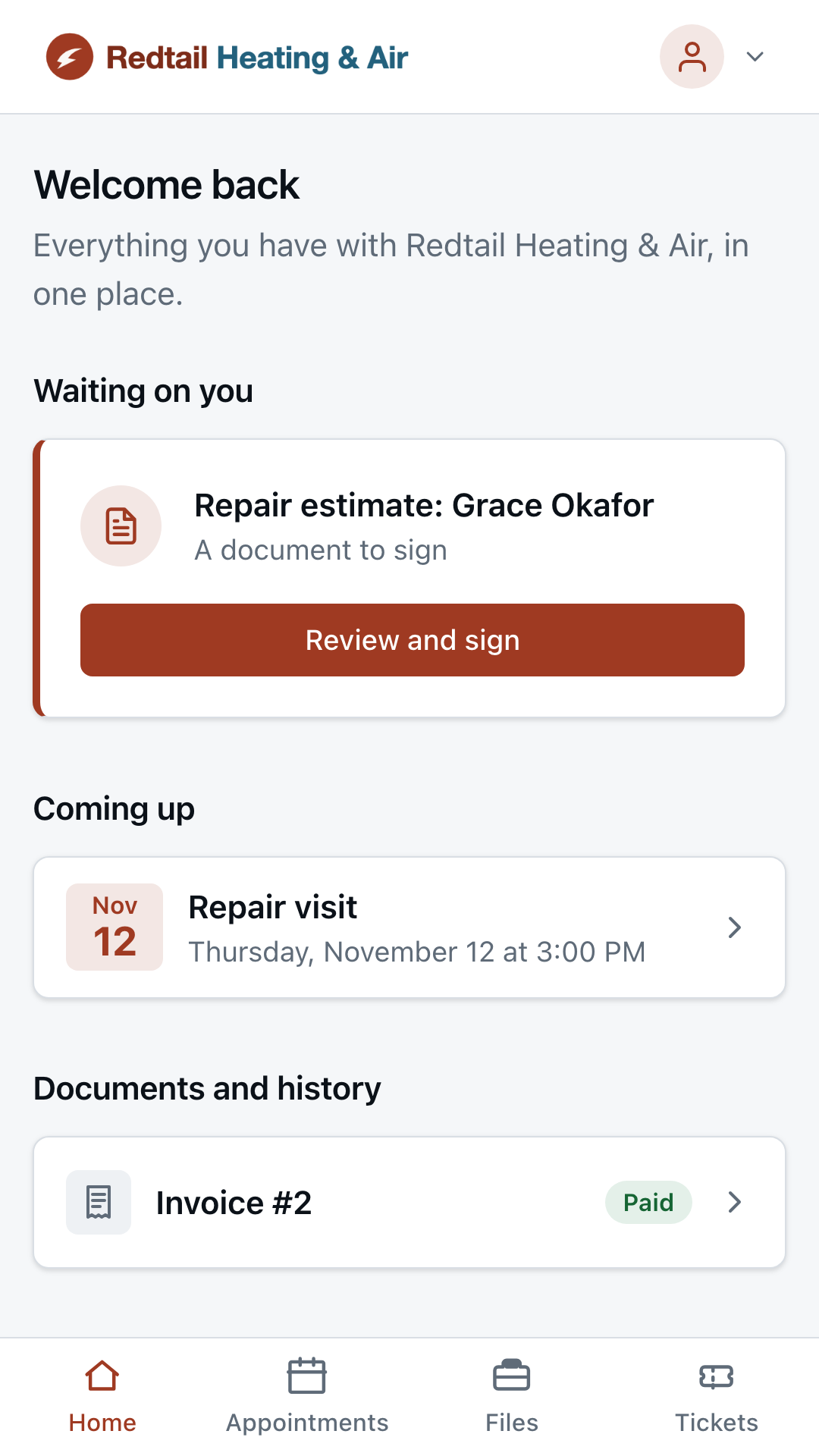
Invoices with a secure pay link, and a portal where each customer sees their documents, visits and invoices.
The problem
Paper invoices and "I'll pay you next week" stretch your cash and fill your evenings with chasing.
Send invoices with a secure pay link. Customers pay by card online, and each one has a portal in your branding with their documents, visits and invoices in one place.
How It Works
Invoices, Pay Links and Client Portal, Step by Step
1
Send the invoice
Create it from the job and send it by email with a pay link.
2
They pay online
Customers pay by card on a secure page. The invoice marks itself paid.
3
Reminders for the rest
Unpaid invoices get a polite reminder with the amount and the pay link.
What's Included
Set Up and Run for You
- Invoices with a secure pay link
- Outstanding, overdue and paid at a glance
- A client portal in your own branding
- Unpaid-invoice reminders Rolling out
Works With
Better Together
Every piece shares the same customer record, so each one makes the next work better.